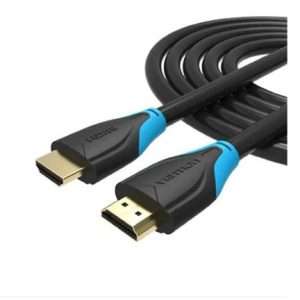
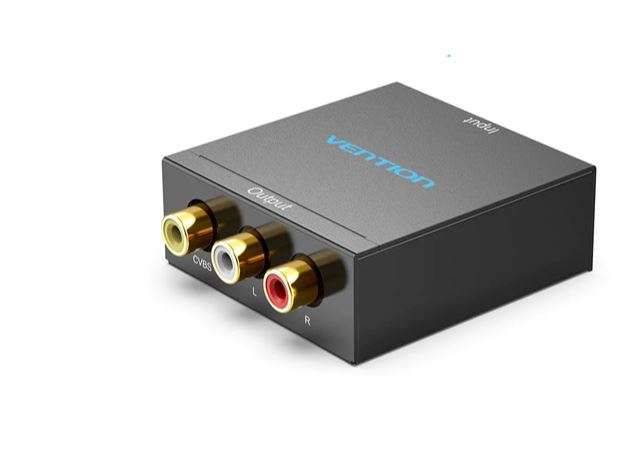
Vention HDMI to RCA Converter Black Metal Type (AEEBO)
Vention HDMI to RCA Converter Black Metal Type (AEEBO).
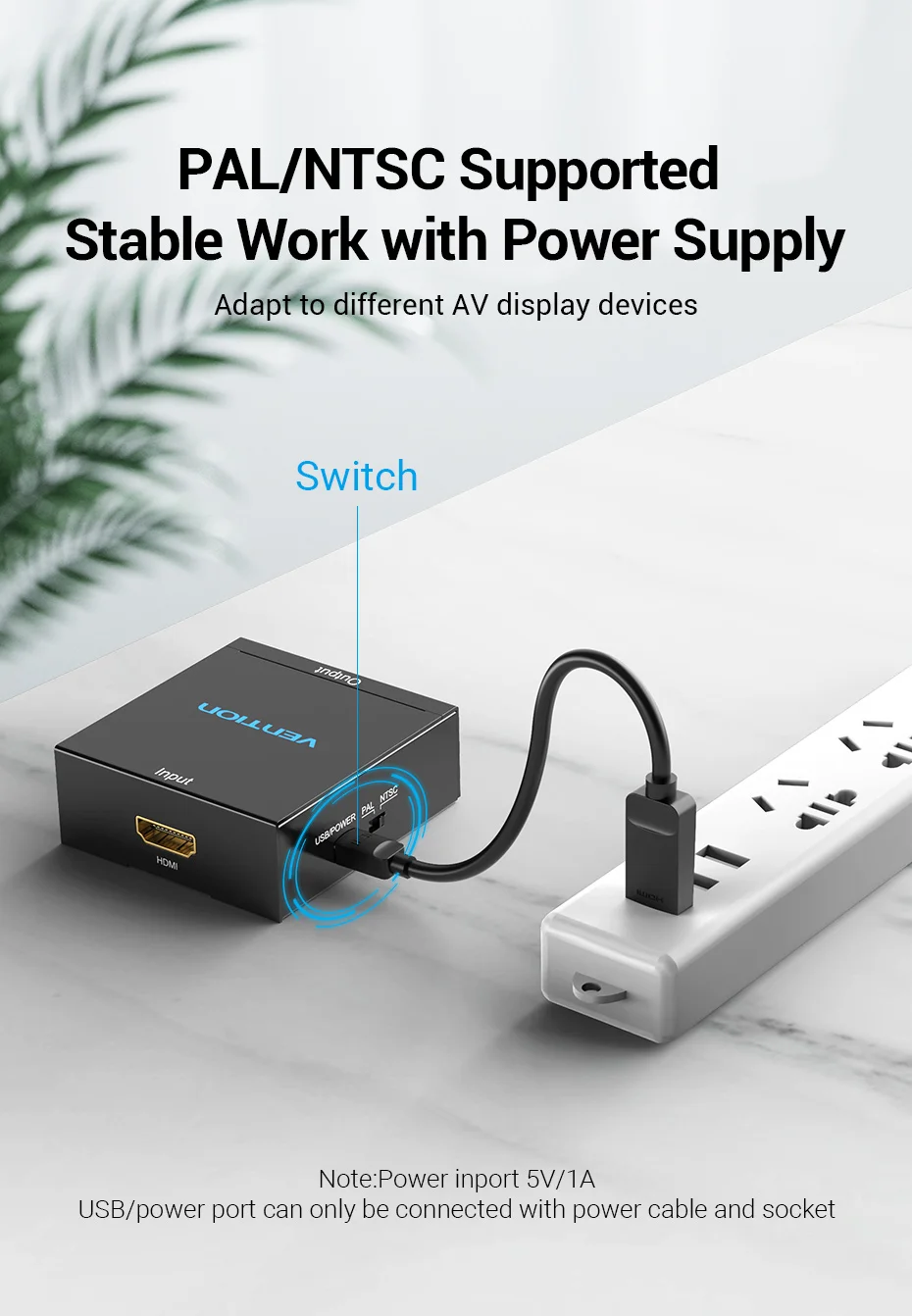
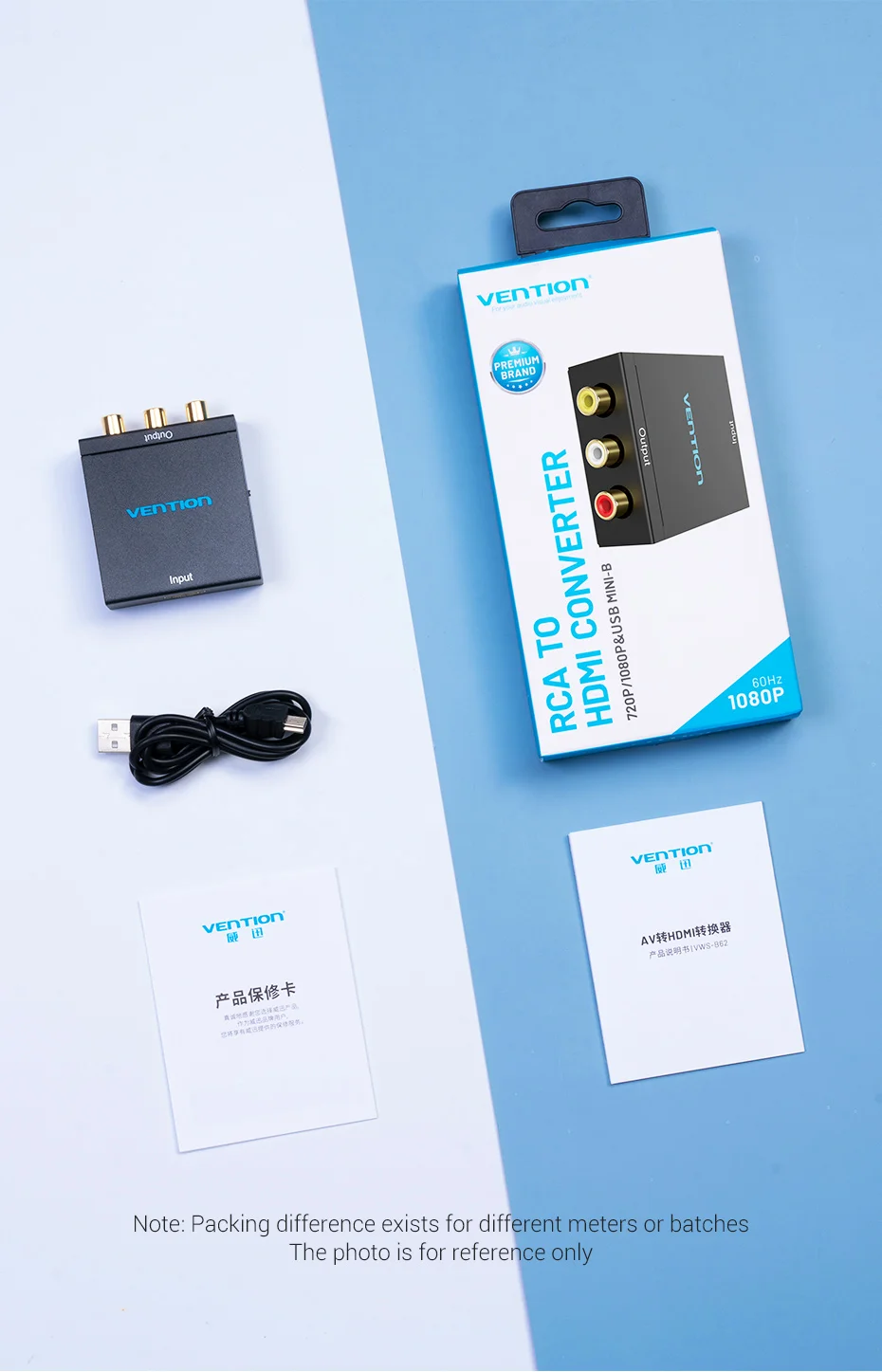
The Vention HDMI to RCA Metal Type Converter is ideal for anyone needing to bridge the gap between modern HDMI devices and older RCA displays. Its compact design and reliable performance make it a great addition to your tech setup.
Features
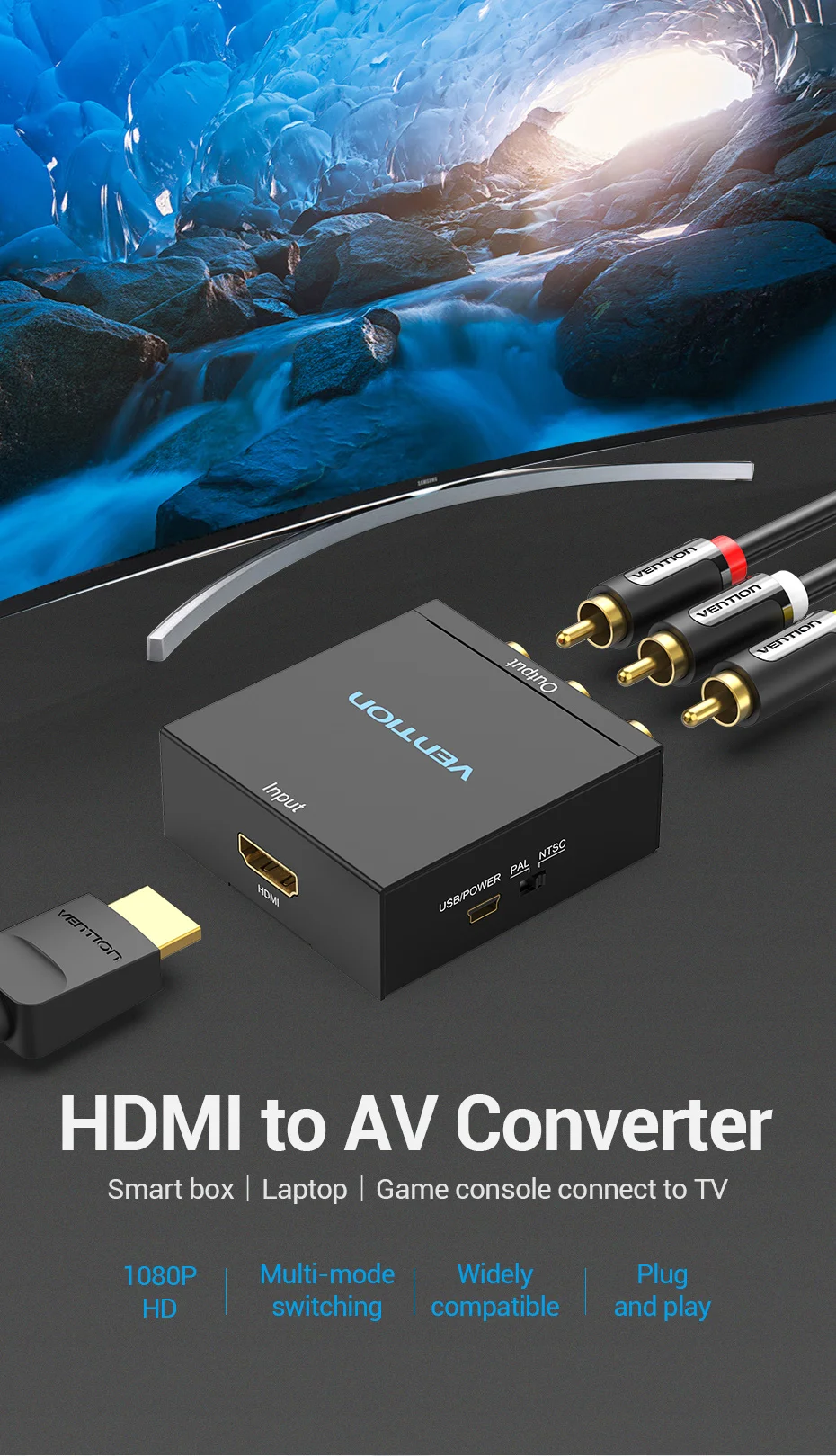
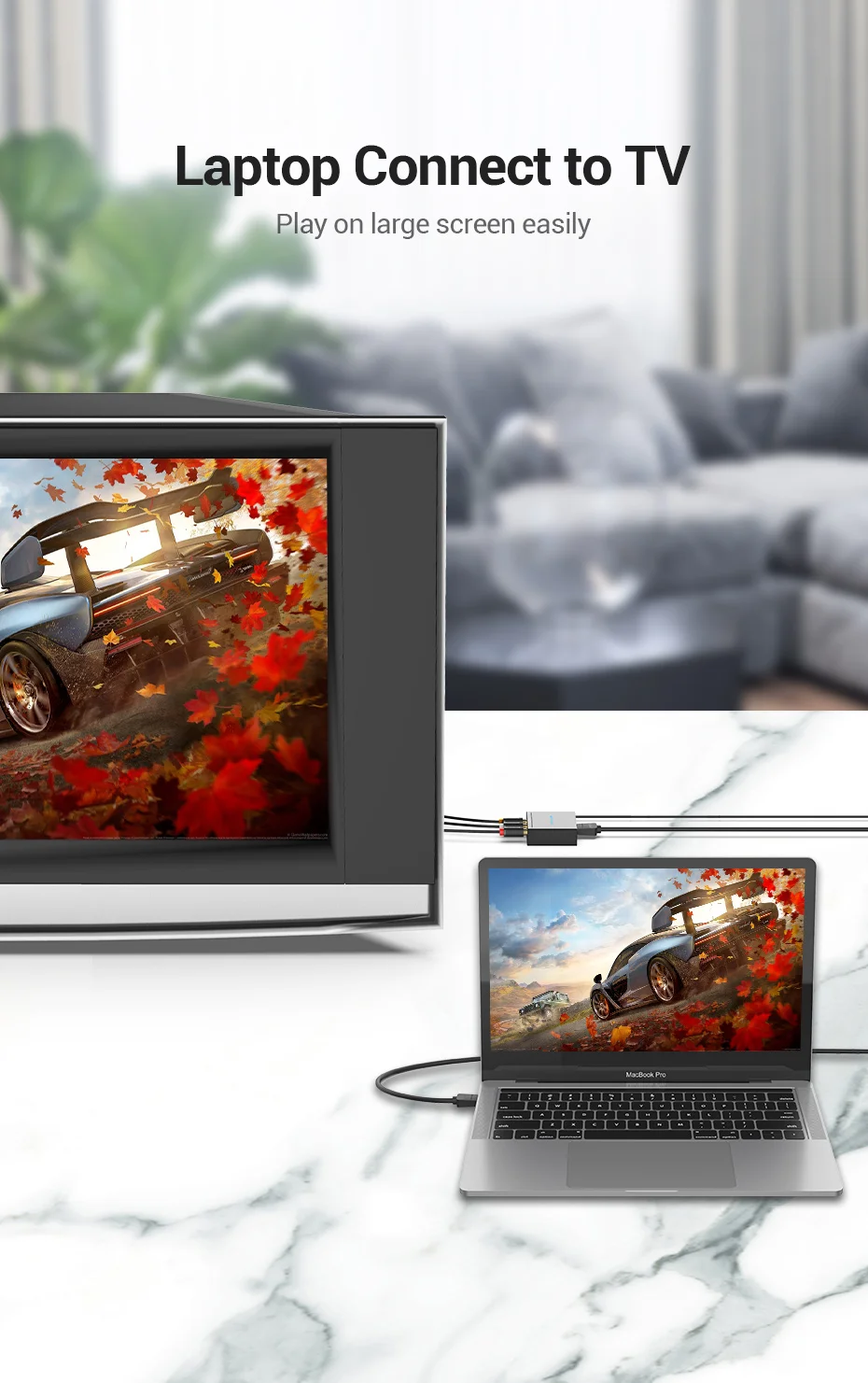
- Seamless Conversion: Easily convert HDMI signals from devices like laptops, gaming consoles, and Blu-ray players to RCA output for TVs and projectors.
- High-Quality Video Output: Supports resolutions up to 1080p, delivering sharp and clear images on your display.
- Durable Metal Construction: Built with a sturdy metal casing that ensures longevity and reliable performance, even in everyday use.
- Easy Setup: The plug-and-play design means you can quickly connect and start using the converter without complicated installations.
- Wide Compatibility: Compatible with a range of devices, including laptops, desktops, game consoles, and more.
You can find the best Vention prices in Kenya at our store in Nairobi, ensuring easy access to high-quality converters without exceeding your budget.
Common FAQs
- Can HDMI be converted to RCA? Yes, HDMI can be converted to RCA using an HDMI to RCA converter. This device allows you to connect modern HDMI devices (like laptops, Blu-ray players, or gaming consoles) to older displays that only have RCA inputs.
- What is an RCA to HDMI cable used for? An RCA to HDMI cable is used to connect older RCA devices (such as VCRs or older gaming consoles) to modern displays that have HDMI inputs. It typically contains circuitry that converts the analog RCA signal to a digital HDMI signal.
- Can you use an HDMI to RCA converter backwards? No, an HDMI to RCA converter is designed to convert HDMI signals to RCA. Using it backwards (RCA to HDMI) won’t work because the conversion process requires different handling of digital and analog signals.
- How do I connect RCA to HDMI? To connect RCA to HDMI, use an RCA to HDMI converter. Simply connect the RCA cables from your device to the converter, then connect the HDMI cable from the converter to your HDMI-enabled display. Make sure to power the converter if it requires external power, and switch the input on your display to the appropriate HDMI source.





Also Check:
Vention USB 3.0 Male to USB-C Female Adapter Gray Aluminum Alloy Type (CDPHO)
Vention USB External Sound Card Black Metal Type (VAB-S17-B)
Vention RCA to HDMI Converter Black Metal Type (AEFBO)
Vention USB External Sound Card Black Metal Type CTIA (VAB-S15-B)
Vention USB Wi-Fi Adapter 2.4G Black (KDRBO)
Vention USB Bluetooth 5.0 Adapter Black (CDSBO)
Vention 3-Port USB (C + A + A) Universal Travel Adapter (20W/18W/18W) Black (FJEB0)