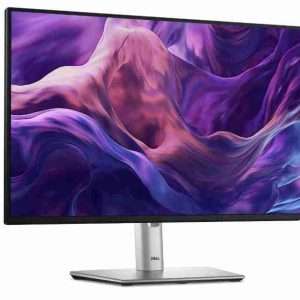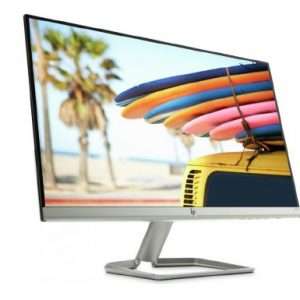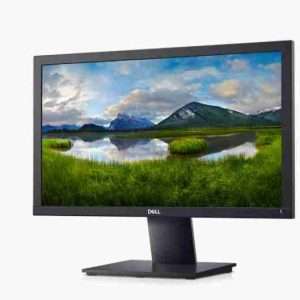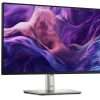

Buy Dell E2425HS 23.8″ FHD Monitor from Brighttech Kenya.
Dell E2425HS 23.8″ FHD Monitor.
Improved visual comfort
Experience firsthand benefits with ComfortView Plus, engineered to minimize harmful blue light emissions without compromising color. Coupled with a 75Hz refresh rate, this monitor delivers a TÜV Rheinland 3-star[1] certified viewing experience.
With software-enabled low blue light technology[2] versus built-in ComfortView Plus.
Slider demonstrating the visual difference in color and clarity of ComfortView Plus image with “TUV Rheinland Eye Comfort 3-Star Certified Logo” ID: 0217010014.Slider demonstrating the visual difference in color and clarity of ComfortView Plus image with “TUV Rheinland Eye Comfort 3-Star Certified Logo” ID: 0217010014.
Dependable from every angle
Wide viewing angle
Get consistent views across a wide 178°/178° viewing angle.
Ultra slim bezel
Keeps you focused on your work with a modern look.
3000:1 contrast ratio
Experience deeper blacks, brighter whites and vivid color.
Functional, space-saving design
Adapts to your needs
Work comfortably with a height-adjustable stand that extends up to 5.1 inches (130mm). Suitable for any desk size with versatile VESA-compatible mounts and stands.
Convenient connectivity
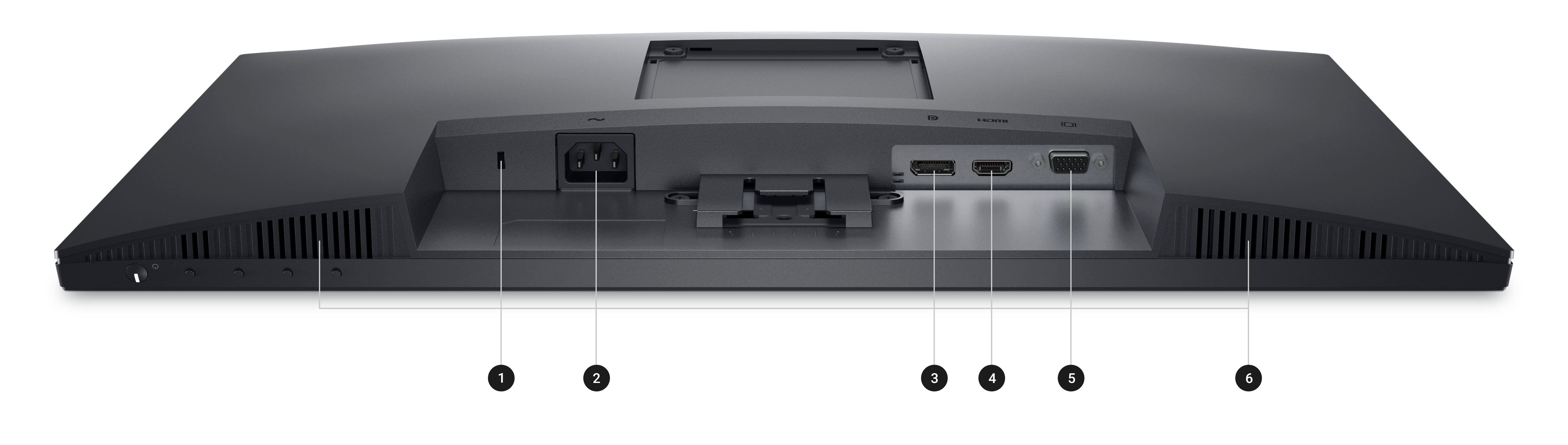
Connect to current and legacy systems via HDMI, VGA, and DP ports.
Keeps you on track
Instantly stay updated with incoming audio notifications through integrated speakers.
Dell Display and Peripheral Manager
Experience Dell’s singular, innovative application to optimize the performance of your entire Dell PC workspace[3].
Maximize productivity
Easy Arrange tiles apps across screens with pre-set partitions and customizes up to five windows, enhancing multitasking. Easy Arrange Memory saves and restores app profiles manually, on schedule, or at start-up.
Customize your views
Work comfortably, day or night. Automate your brightness and contrast settings to match your schedule.
More manageable
Scale up management across your entire fleet of Dell displays and client peripherals with streamlined firmware updates and expanded Command Line Interface features.
Disclaimer: Screen image simulated for illustrative purposes only. Monitor model may vary.

Ports and Slots
Also Check: